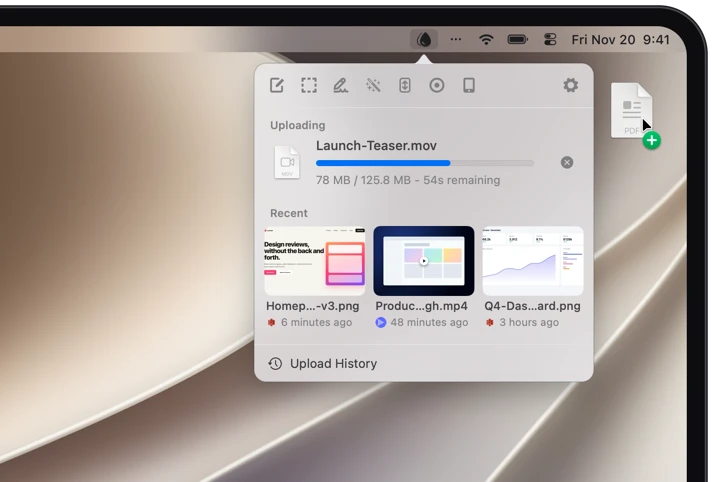
Screen ShotsCapture and upload your Mac's screen, full screen or just a detail.
Screen RecordingsRecord and upload your Mac's screen, full screen or just a detail, video or GIF.
Trim RecordingsTrim the start and end of a screen recording before it is saved or uploaded.
Scrolling CaptureCapture content taller than the screen, like a full web page, as one image. Scroll by hand or let Dropshare scroll automatically.
Floating ScreenshotsCaptured screen shots can float on your desktop for easy access, annotation and sharing.
AnnotationsAnnotate your Screen Captures with Dropshare, or your favorite editing app before uploading it.
Automatic RedactionAutomatically redact sensitive information (like credit card numbers, email addresses, or custom regex patterns) from screen shots.
WatermarkAdd your own text or image as a watermark to screen shots.
Read QR CodesCapture a QR code anywhere on your screen and copy its content to the clipboard.
Import from iPhoneTake a photo or scan a document with a nearby iPhone or iPad and upload it right away.
Capture from iOSCapture and upload the screen of any USB-connected iOS devices, including iOS Simulator.
Capture from AndroidCapture and upload the screen of any USB-connected Android devices, including Android Simulators.




 Mail
 Messages
 Dropshare
 Notes